The AI Cheat Sheet
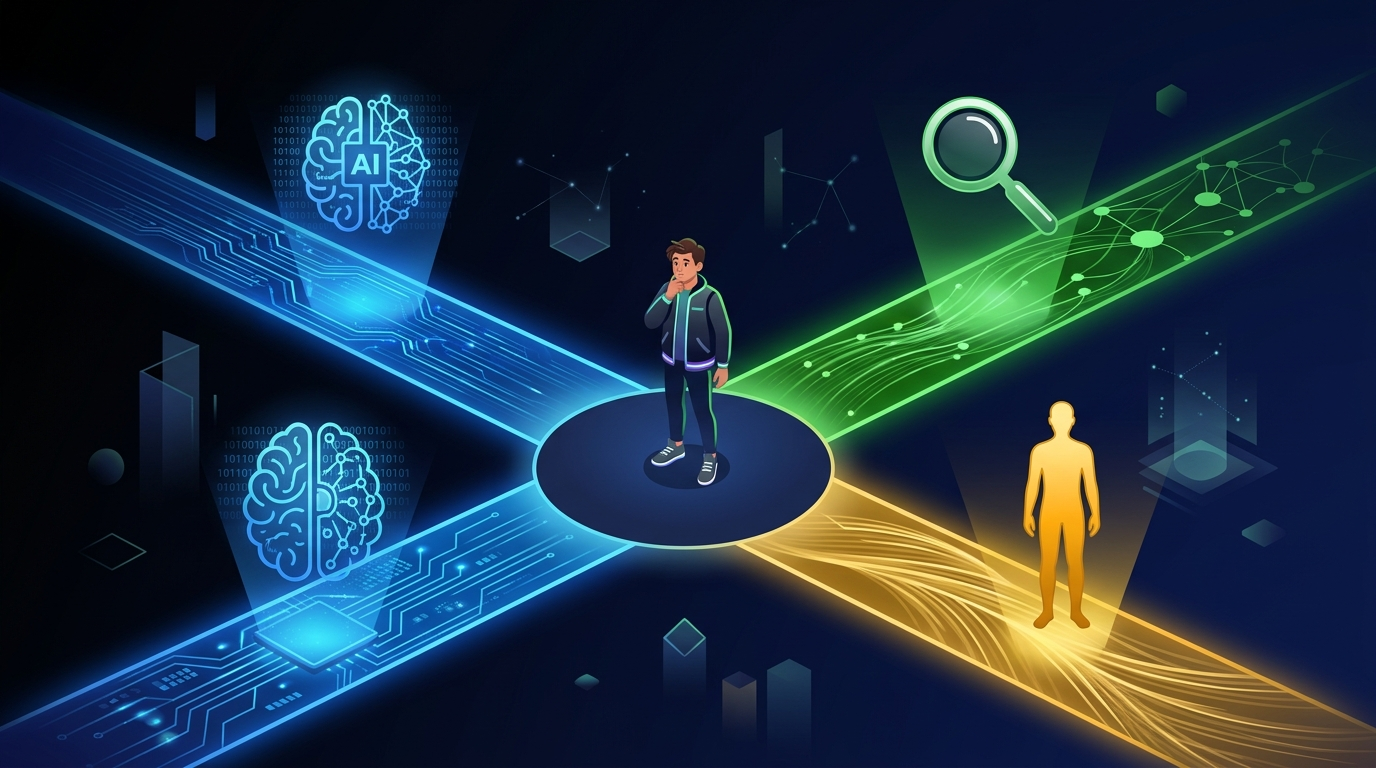
Not everything needs an AI. Not everything should be Googled. Not everything should wait until you ask an expert.
Knowing which is which will save you time, prevent mistakes, and make you one of the rare people who actually uses AI smartly instead of reflexively.
This lesson is your quick-reference guide for exactly that.
What AI Is Great At
These are the things where AI consistently outperforms every other option available to a regular person for free:
First drafts of anything written. Emails, letters, cover letters, social media posts, scripts, thank-you notes. AI drafts fast and you edit. Way better than staring at a blank page.
Explaining confusing things. Legal language, medical jargon, financial documents, technical concepts. Ask it to explain it "like I'm a smart person who doesn't know this topic" and it almost always delivers.
Brainstorming and generating options. Gift ideas, dinner ideas, business names, party themes, ways to approach a difficult conversation. AI has seen so many situations that it generates options humans often don't think of.
Summarizing long things. Paste a long article, email thread, or document and ask for the key points. Done in seconds.
Adjusting tone and editing. Take something you wrote and ask AI to make it sound more professional, warmer, shorter, or less aggressive. Reliable and fast.
Answering "how does this work" questions. AI is genuinely excellent at explaining how things work — from mortgages to car engines to how voting works in your state. Not fact-checking territory (verify those), but conceptual understanding is AI's sweet spot.
What AI Is Okay At
These areas work — but require you to bring your own judgment:
Research starting points. AI will give you a solid overview of most topics. But treat it like a starting point, not a citation. Verify specific facts before you use them.
Recommendations. "What's the best project management app for a small team?" AI will give you a reasonable answer. But it doesn't know your team, your budget, or what you've already tried — and it can't browse current reviews. Useful for narrowing down, not for final decisions.
Answering questions about recent events. AI has a training cutoff. It may know about things up to a certain point, but its knowledge of anything recent may be incomplete or wrong.
Creative writing. AI can write a story, poem, or script. The results are often technically fine but emotionally flat. Great as a starting point; needs a human to add real feeling.
What AI Is Terrible At
Don't use AI for these without serious independent verification:
Current facts. Stock prices, today's weather, live sports scores, breaking news, current hours for a local business. AI doesn't have internet access by default, and even when it does, it can get things wrong.
Specific legal or medical advice for your situation. AI can explain what a condition is or what a law generally says. It cannot tell you what applies to YOUR situation, YOUR body, or YOUR specific legal case. Always consult an actual professional for anything high-stakes.
Knowing what it doesn't know. This is the sneaky one. AI won't always tell you when it's uncertain. It might state something incorrect with the same confidence as something true. You cannot tell the difference by tone alone.
Tasks requiring access to your real life. AI can't check your actual calendar, see what's in your fridge, know your bank balance, or look up your specific account. It can only work with information you give it in the conversation.
AI vs. Google vs. Ask a Human
Match each task to the best approach: AI, Google, or Ask a Human
Terms
Definitions
The One Rule
If there's one thing to take from this entire module, it's this:
Never trust AI with facts you haven't verified.
Ideas? Trust it. Drafts? Use them. Explanations? Helpful starting point. But specific facts — dates, names, statistics, legal specifics, medical details — always take 30 seconds to verify before you repeat them.
That's the whole rule. Follow it and you'll get enormous value from AI without the risks.
Your AI Decision Tree
Ask yourself these questions before reaching for any tool:
Do I need information that changes in real-time? → Google or a dedicated app, not AI.
Am I making a high-stakes decision that affects my health, money, or legal situation? → Verify with a real professional. Use AI to get up to speed, not to decide.
Do I need a first draft, an explanation, or some ideas? → AI is your best option.
Do I need reviews or opinions from real people who've actually tried something? → Google (Reddit and review sites specifically).
Do I need something written, edited, or rewritten? → AI, without question.
Quick Check
Quick Check
5 questions · Earn points for speed!
🔀 Random selection — different questions each play!
Key Takeaway
AI is great at drafts, explanations, brainstorming, and summaries. It's unreliable for real-time data, specific facts, and high-stakes decisions. The one rule that covers everything: never trust AI with facts you haven't verified. Follow that, and AI becomes one of the most useful tools you have.
Ready to complete this lesson?
You've reached the end! Hit the button below to earn your XP.