AI That Handles Your Inbox
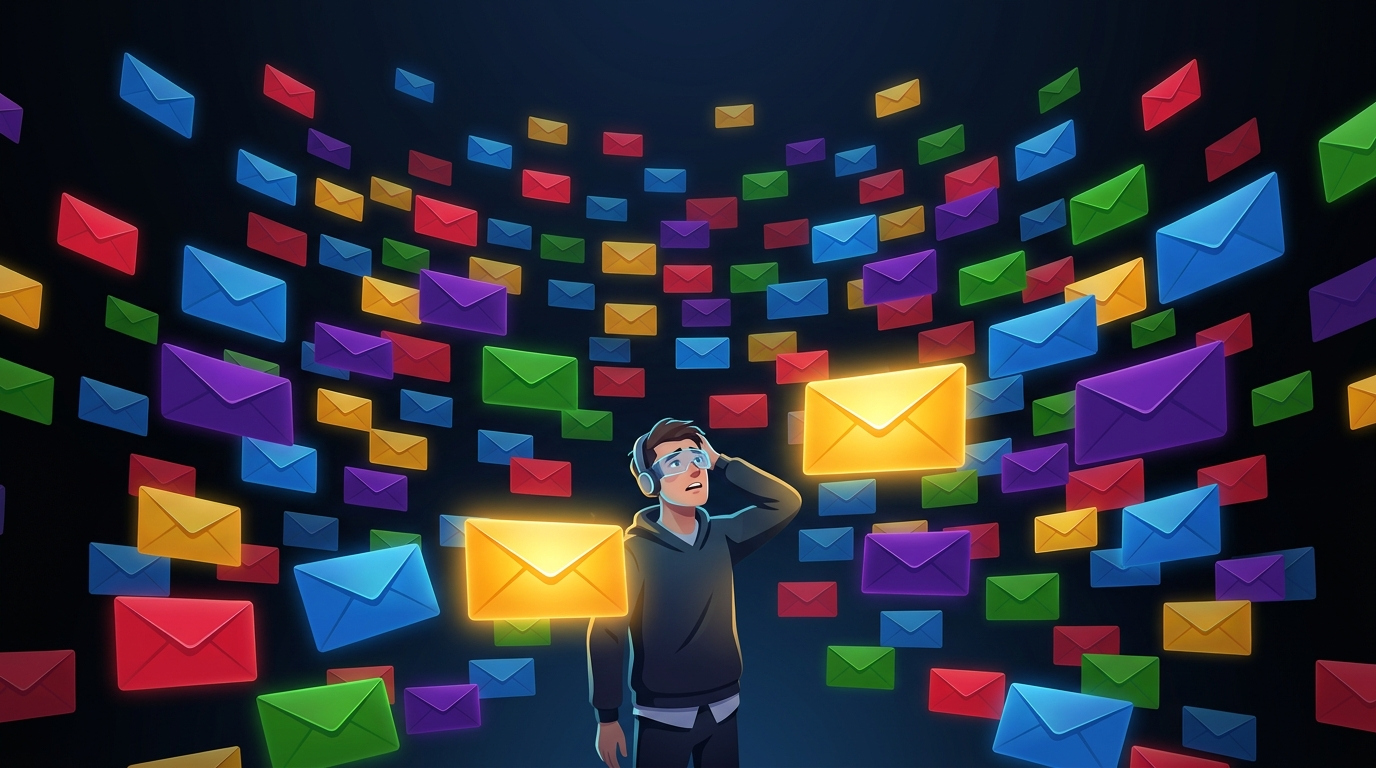
Picture this: you open your email after a long day and there are 63 unread messages. Your stomach drops a little. Most of them are probably nothing — newsletters, a shipping notification, your cousin forwarding a meme. But buried in there are two that actually matter, and you have to read every single one to find them.
That is a genuinely terrible way to spend your time. And AI can fix it.
What's Actually Going On With Your Inbox
Your email app already knows a lot about you. It knows which senders you reply to quickly. It knows what you delete without reading. Gmail has been quietly using AI to sort your mail for years — that's why newsletters end up in "Promotions" instead of your main inbox.
But that's just the beginning. Modern AI can do much, much more.
What AI Can Do For Your Personal Email
Try It Right Now
Here's the fastest way to see what AI can do with your email — takes about two minutes:
- Open your inbox and find an email you need to reply to but haven't gotten around to.
- Copy the whole email (or just the relevant part).
- Go to chat.openai.com or claude.ai — both are free.
- Paste the email and type: "Write a friendly reply to this. Keep it short."
- Read what it gives you. Edit anything that sounds off. Send it.
That's it. Most people say their first reaction is something like "...why haven't I been doing this?"
Before and After: A Real Inbox Day
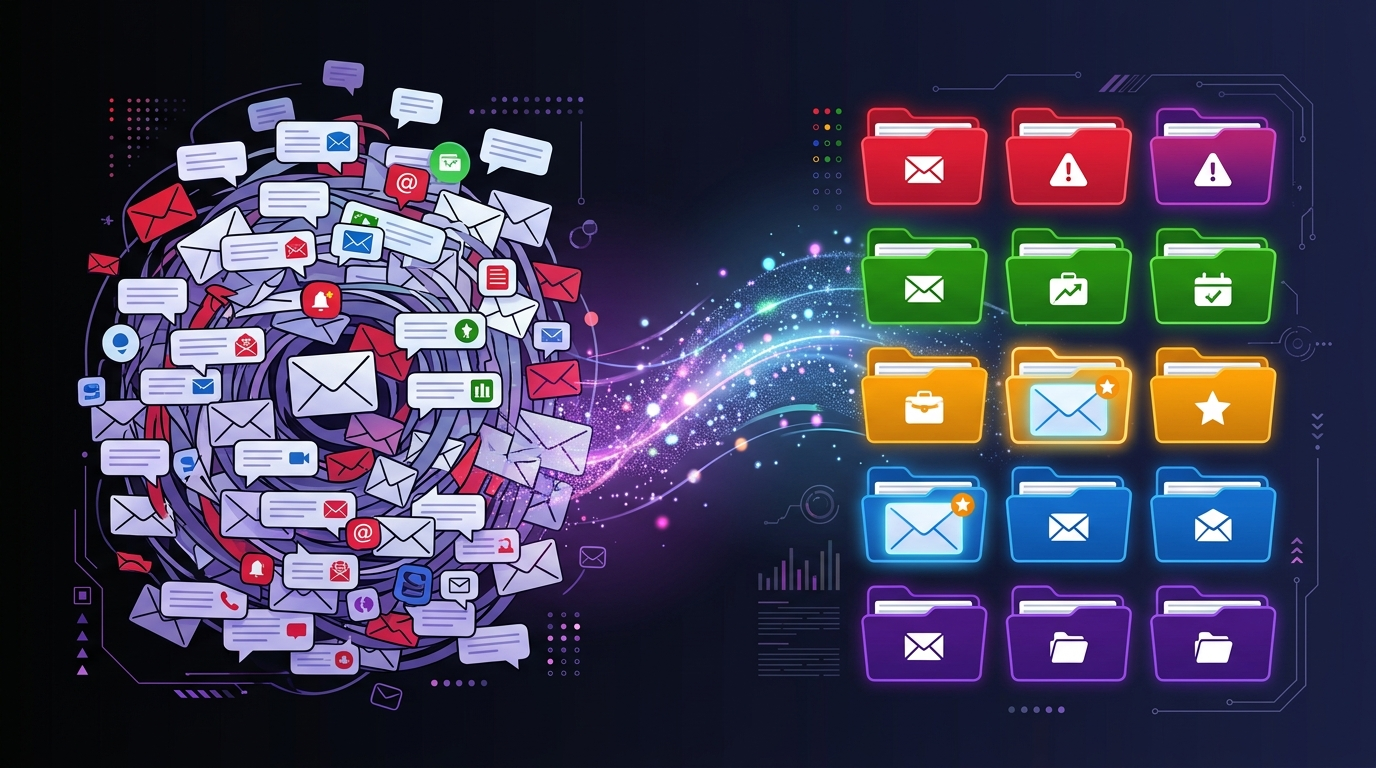
Before using AI:
You come home from work. There are 40 emails. You spend 25 minutes going through them, draft a reply to your kid's teacher (8 minutes getting the tone right), ignore three emails you'll deal with "later," and close your laptop feeling mildly stressed.
After using AI:
You scan the inbox — Gmail's Priority Inbox already pushed the important ones to the top. You paste the teacher's email into ChatGPT, get a draft in 10 seconds, tweak one sentence, and send it. Total email time: 12 minutes. Nothing is haunting you.
The math isn't dramatic on any single day. Over a month? You've gotten back hours.
Quick Check
Quick Check
5 questions · Earn points for speed!
🔀 Random selection — different questions each play!
Key Takeaway
AI won't empty your inbox for you. But it will make every hard email easier and every confusing one clearer. Start with one email today — paste it in, ask for a reply. That's how the habit starts.
Ready to complete this lesson?
You've reached the end! Hit the button below to earn your XP.