Teaching Your Family About AI
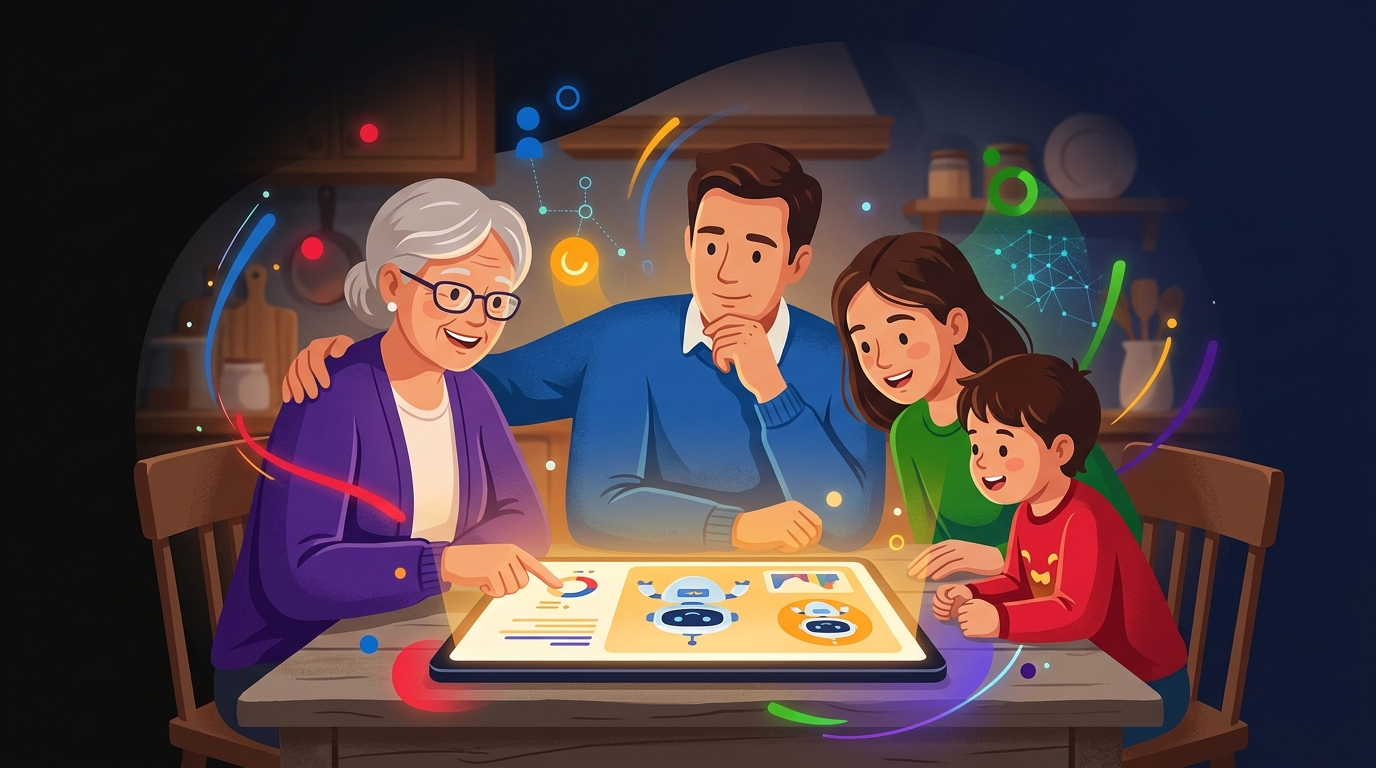
You've made it through three lessons about staying safe with AI. That means you already know more than most of the people in your life.
Now comes the part that actually matters: passing it on. Because the person in your family who knows this stuff can protect the people who don't.
Why This Conversation Is Worth Having
AI scams are already targeting older adults at a scale that's hard to overstate. Voice cloning scams cost Americans hundreds of millions of dollars a year. Kids are growing up using AI tools without any guidance on what's real, what's private, or when to think critically. And most families have never talked about any of it.
You don't need to give a lecture. You don't need to know everything. You just need to have a few honest conversations at the right moments — and you now have the knowledge to do that.
Kids and AI: What Parents Need to Know
Kids today are using AI tools constantly — for homework, for creative projects, for entertainment. Most of them are doing it without any guidance on the limits.
The biggest concerns for kids aren't the dramatic ones. It's more practical: they may hand over personal information without thinking, they're likely to accept AI answers as ground truth without questioning them, and they may not understand that AI-generated content isn't the same as doing their own thinking.
What to talk about with kids:
For younger kids (under 12), keep it simple: "AI is like a very smart helper, but it's not always right, and it's not a friend." Establish early that they should ask a parent before using a new AI tool. Focus on the same rules they already know for the internet — don't share your name, school, address, or photo with any service without a parent's okay.
For teenagers, the conversation gets more interesting. They can handle nuance. Talk about the difference between using AI as a shortcut that skips their own thinking and using AI as a tool that helps their thinking. Talk about AI-generated images and why they shouldn't assume what they see online is real. Talk about the fact that what they type into free AI tools can be stored and reviewed.
Older Adults and AI: Helping Them Use It Without Fear
There's a temptation to either shield older adults from AI entirely ("don't worry about it") or overwhelm them with warnings until they're terrified of everything digital.
Neither works.
The goal is confident, informed use — not avoidance, not naivety. Most older adults are perfectly capable of using AI tools safely once they understand the basic rules. And many find AI genuinely life-changing for things like reading assistance, writing help, and answering questions that would have previously required a phone call or a trip to the library.
What to focus on with older adults:
Start with the scam awareness piece from Lesson 2. The voice-cloning grandparent scam is specifically designed to target them, and one conversation about it could prevent a devastating financial loss. Make the "call them back" rule concrete and memorable: "If someone calls and asks for money, hang up and call them yourself on the number you already have."
Then show them a tool. Don't just warn — demonstrate. Sit together and use an AI tool for something useful and low-stakes. Ask it a question they'd enjoy knowing the answer to. Let them see that it's not mysterious or threatening. Hands-on experience dissolves fear faster than any explanation.
Age-Appropriate Guidelines at a Glance
Click each card to see what to focus on by age.
The Dinner Table Conversation: 5 Things Every Family Should Discuss
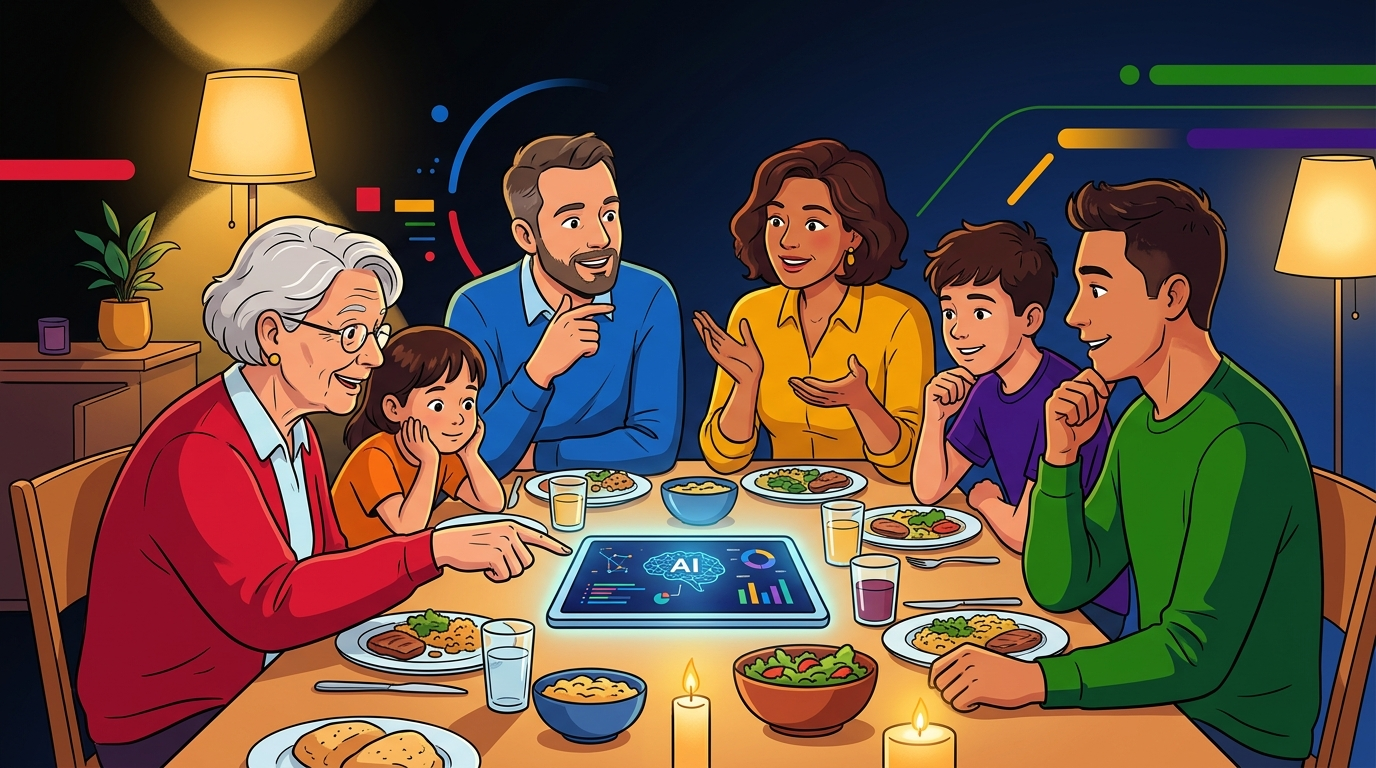
You don't need a formal meeting. The best conversations happen naturally. Here are five topics worth weaving into normal family life.
1. "Has anyone seen a video online that felt weird or fake?" This opens the door to talking about AI-generated content without making it a warning lecture. Share an example. Make it curious, not scary.
2. "What would you do if you got a call from my voice asking for money?" This is the voice-cloning question, phrased in a way that makes people think through the scenario. The answer you're looking for: hang up and call back on a number you already have. Practice it until it's automatic.
3. "What kinds of things should we never type into an AI chat?" Make this a group exercise. Brainstorm together. Kids often come up with good answers if you give them the chance. The list: passwords, Social Security numbers, medical info, credit card numbers, private details about other people.
4. "Is it okay to use AI to help with homework / a work project / a decision?" This is the nuance conversation. AI as a starting point, not a final answer. Good for research, bad for deciding. Help them articulate where the line is.
5. "If something weird happens online, will you tell me?" This one matters most for kids. Create the expectation that odd digital experiences — AI scams, weird messages, something that felt off — are things the family talks about, not things to handle alone.
How to Be the AI-Smart Person in Your Family
You don't need to be an expert. You just need to be curious, honest about what you don't know, and willing to keep learning.
The most useful thing you can do is model good habits. Don't share sensitive stuff in AI tools yourself. Pause before you share something online. Verify before you act on urgent requests.
And when someone in your family asks you about AI — because they will — you now have the foundation to help. Not because you know everything, but because you know the things that actually matter.
Quick Check
Quick Check
5 questions · Earn points for speed!
🔀 Random selection — different questions each play!
Key Takeaway
The best protection for your family isn't keeping them away from AI — it's helping them use it with clear eyes. A few honest conversations, a couple of concrete rules, and the example you set yourself will do more than any warning ever could.
Ready to complete this lesson?
You've reached the end! Hit the button below to earn your XP.